
Google Shopping is one of the most effective sales channels. It allows customers to easily and quickly find the products they are interested in and compare prices.
For Shopify stores, we set up 2 applications depending on your needs:
- The "Google Channel" app, which has been managed by the Google campaign since September 1. This app is suitable for stores with a single language and currency.
- The "Feed for Google Shopping: Feed" app. It helps quickly create a feed for products. Suitable for multilingual sites and sites with multiple currencies.
We will help you upload your products to Google Merchant Center and format them according to Google's requirements.
Requirements for Shopify stores
- You need to add a "Privacy Policy," "Return Policy," and "Contacts" to your online store and include them in the site navigation and Footer.

- Product Category must be filled in for store products and correspond to Google categories. You can download and view them here.

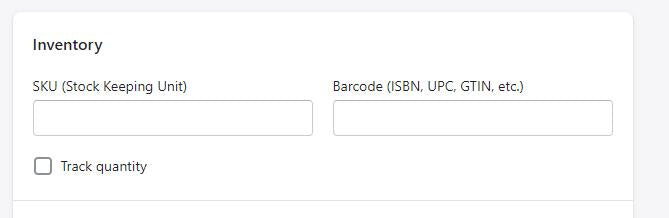
- Fill in SKU and GTIN.
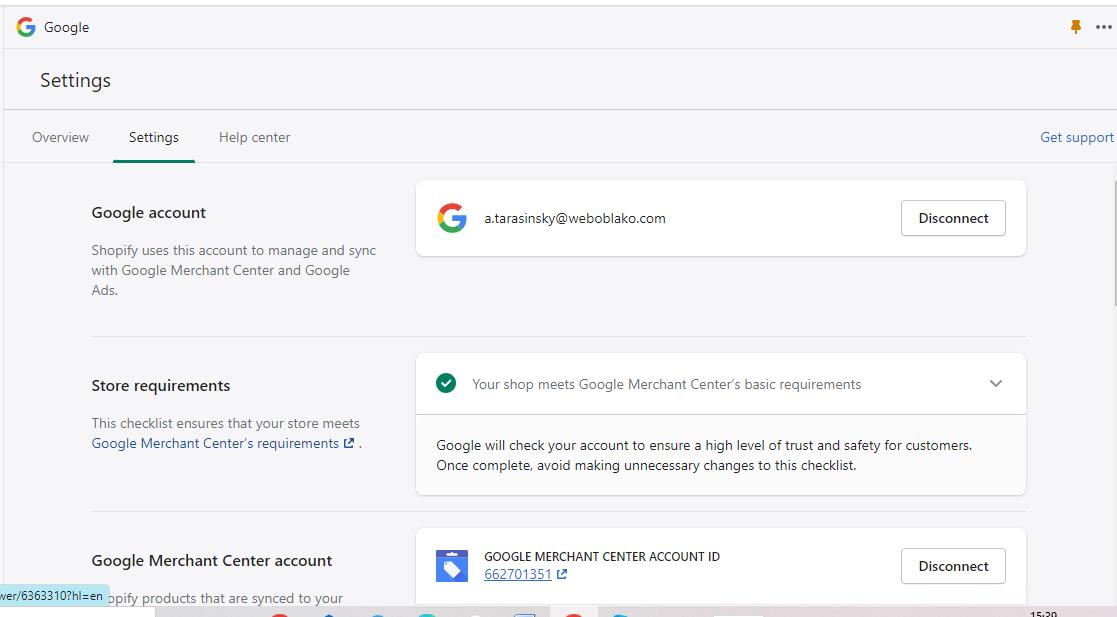
- Connect Google Channel and synchronize it with your Merchant Center account.
- Setting up shipping is mandatory! Shipping cost and time are the main factors in a customer's decision to buy or cancel an order. Shipping setup rules can be read here.

Then products undergo a review for 3 to 7 days and appear in Google Shopping results.

Grouping products in Google Shopping

Variants are items that have different colors, sizes, material, etc.
To group variants, you need to use the attribute "product group identifier" [item_group_id].
If you add the attribute "product group identifier" [item_group_id], product variants will be shown as a group rather than individually.
The attribute is mandatory for free product listings that have variants.
Requirements to follow:
- Specify the same value of the "product group identifier" [item_group_id] attribute for all product variants.
- Each group must have a unique value of the "product group identifier" [item_group_id] attribute.
- If you added the "product group identifier" [item_group_id] attribute, also specify variant attributes such as color [color], pattern [pattern], material [material], age group [age_group], gender [gender], and size [size] (at least one must be specified).


